
Ship Mac releases
with fewer unknowns.
Clear, maintained guides for the parts of a release that most often slow down independent Mac developers: signing, notarization, installer design, and verification.
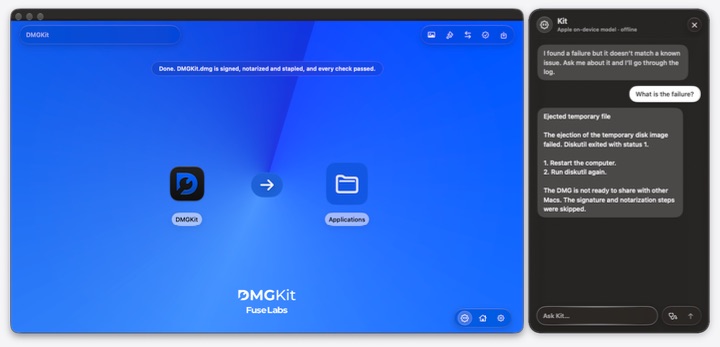
Understand your release logs with Kit
Open Kit, ask why signing or notarization failed and get a plain-language answer, privately on your Mac.
Sign, notarize and package from Terminal
Install CLIKit, set it up once, and build a notarized DMG or PKG with one command. Works in scripts and CI.
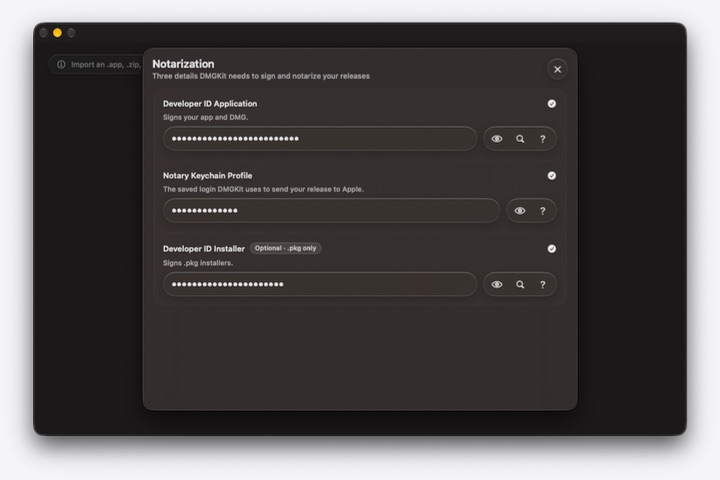
How to notarize a Mac app
A practical path from signing through notarization, stapling, and verification for direct distribution.

Check a macOS DMG before you ship
Understand the signing, notarization, Gatekeeper, hash, and package checks that build release confidence.
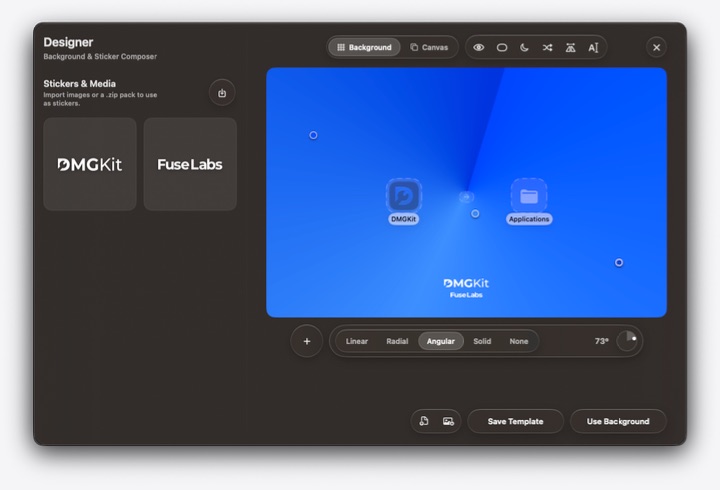
Design a macOS DMG installer
Create an installer window that makes the first step of installing your app clear and intentional.

Notarize a Python app for macOS
What to consider when a Python build includes embedded binaries and needs to ship outside the App Store.
Set up certificates and notarization credentials
Prepare the Apple Developer identities and Keychain profile needed for a repeatable release workflow.
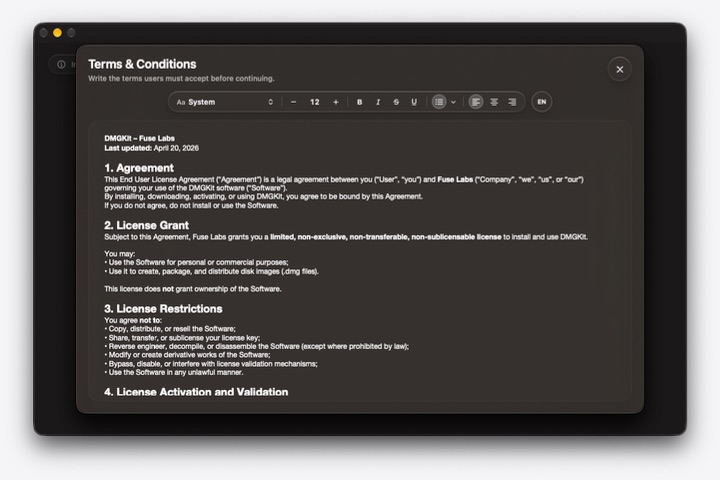
Add terms and a EULA to a DMG
Plan the legal documents that accompany a direct Mac download, and know when to seek legal review.

Configure installer window size
Set the dimensions of the window customers see when they open your DMG.